How to File GST Return in India
This guide explains GST return filing in very simple words. No legal language. No CA terms. Just clear steps that any business owner can follow.
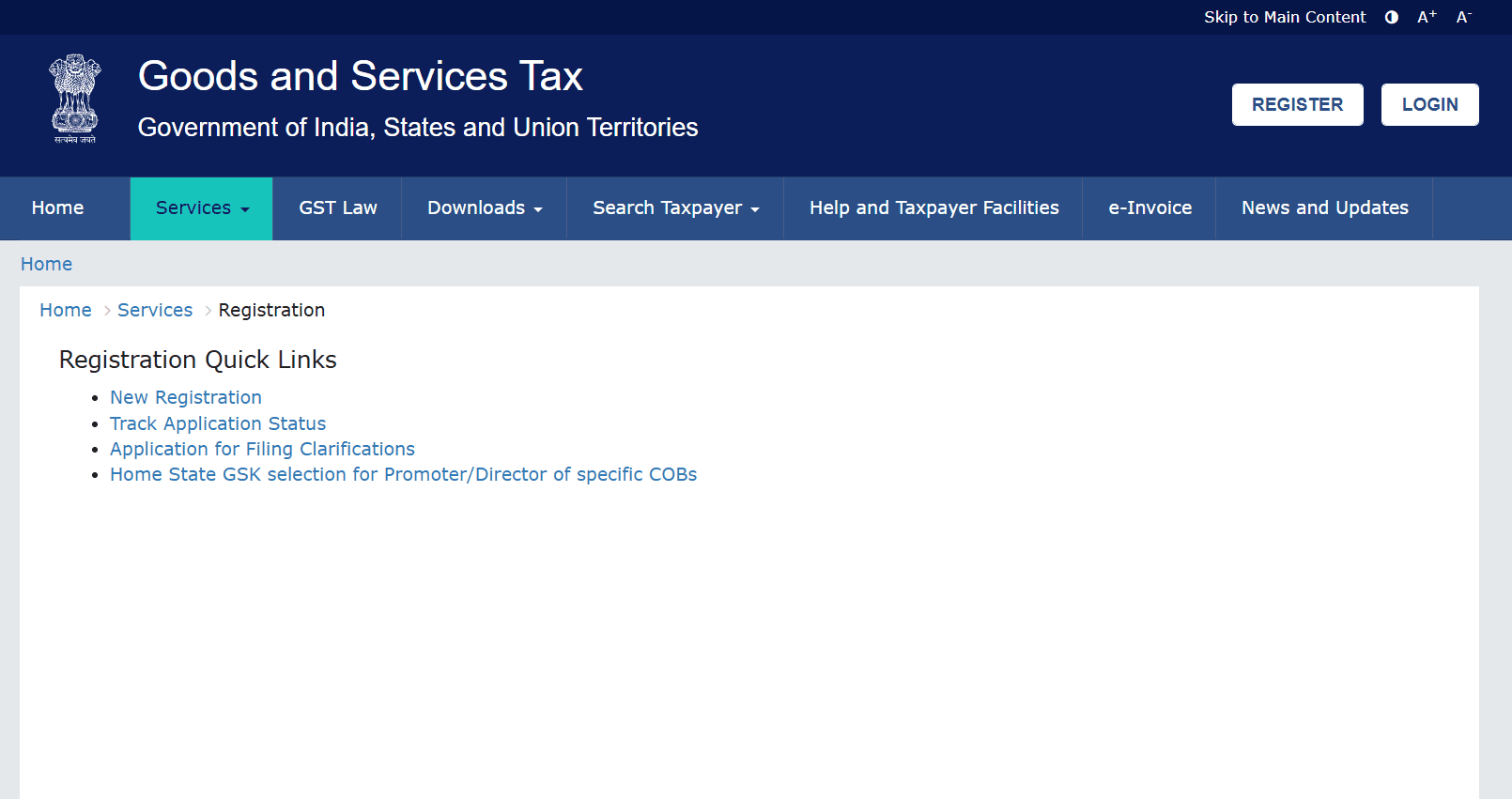
GST return is filed only on the official government website:
👉 https://www.gst.gov.in
Who Needs to File GST Return?
- • Any business registered under GST
- • Shopkeepers, traders, service providers
- • Online sellers (Amazon, Flipkart, Meesho, etc.)
- • Even if you had no sales (NIL return)
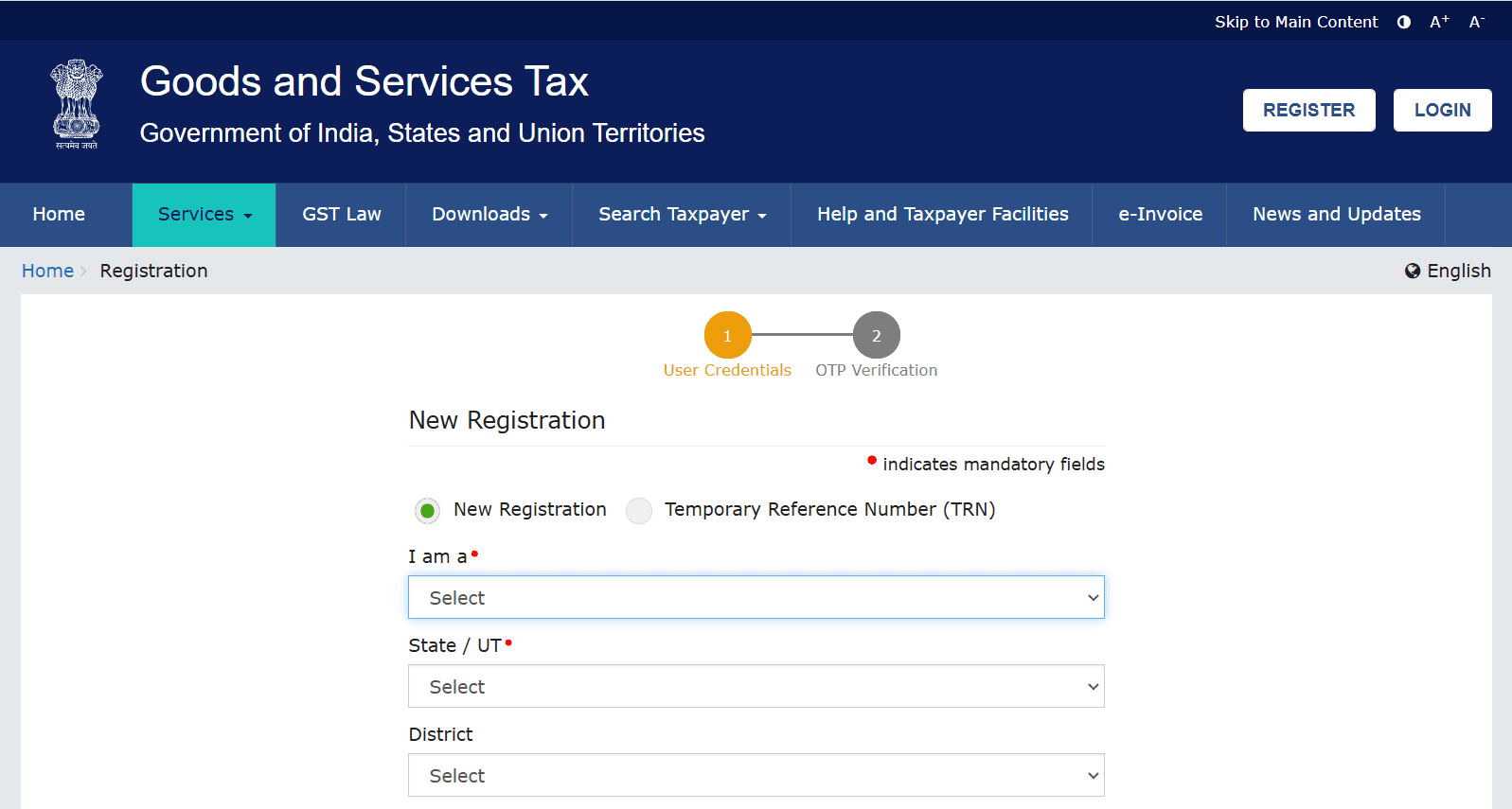
Step-by-Step GST Return Filing Process
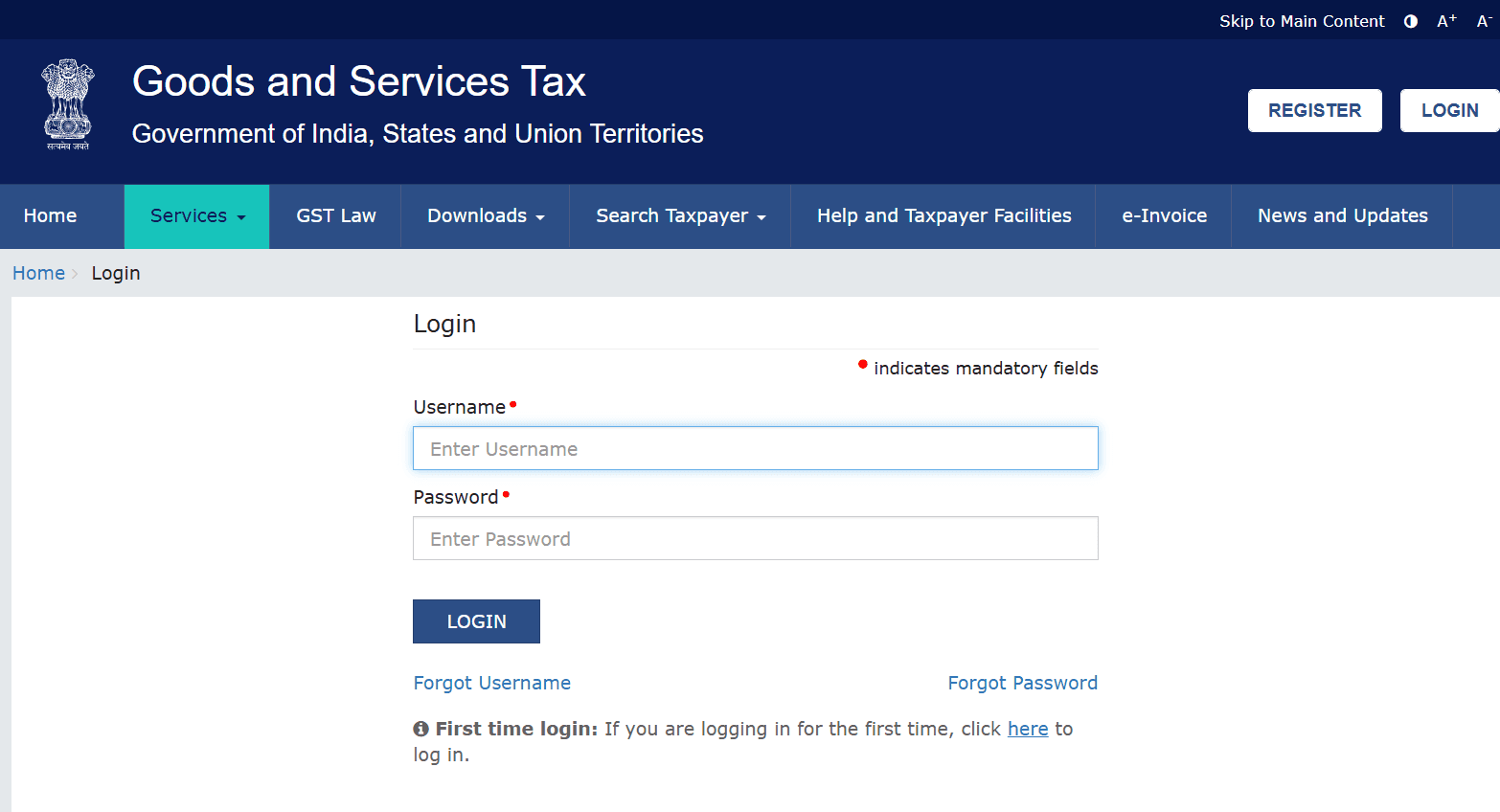
Step 1: Login to GST Portal
Go to gst.gov.in and login using your GSTIN, username, and password. If OTP is asked, verify using your registered mobile number.
Step 2: Open Returns Dashboard
After login, go to:
Services → Returns → Returns Dashboard
Step 3: Select Return Month
Choose the correct month and year for which you are filing the GST return.
Step 4: Fill GSTR-1 or GSTR-3B
• Enter sales invoice details • Check purchase details from GSTR-2B • Make sure numbers match to avoid notice
Step 5: Pay Tax (If Any)
If tax is payable, pay using net banking or UPI from Electronic Cash Ledger.
Step 6: Submit & File Return
Submit the return and verify using:
• OTP (for individuals) • DSC (for companies)
⚠ Important Warning
Even if you had ZERO sales or purchases, you MUST file a NIL GST Return. Not filing for continuous months can lead to late fees, blocked returns, or GST cancellation.
Late Filing Penalty
- • ₹50 per day for normal return
- • ₹20 per day for NIL return
- • Interest at 18% per year on tax amount
Common Questions
Q: I have no sales. Should I still file GST?
Yes. File NIL return to keep GST active.
Q: Can I file GST myself?
Yes. Small businesses can easily file GST return on the portal without CA if data is simple.