How to File ITR in India:
The 2026 Step-by-Step Guide.
Filing your Income Tax Return is not just a legal obligation; it is a financial identity document required for loans, visas, and refunds.
This guide is written for normal Indian taxpayers — salaried employees, students, freelancers, housewives, first-time earners, and even people with zero income. You do not need a CA, accounting knowledge, or paid software to file your Income Tax Return.
If you can use a smartphone, receive an OTP, and read basic English, you can file your ITR yourself in under 30 minutes using the official income tax e-filing website.
Real Filing Mistakes That Cause Notices
These are not theory mistakes. These are issues taxpayers actually face after filing.
- • Filing ITR but forgetting Aadhaar OTP verification (return becomes invalid)
- • AIS showing interest income that people ignore (leads to mismatch notice)
- • Employer Form 16 missing bonus TDS
- • Refund stuck because bank account was not pre-validated
01. Filing Eligibility
In 2026, the threshold for mandatory filing remains consistent, but reporting requirements for foreign assets and high-value transactions have tightened.
- → Salaried individuals above basic exemption
- → Freelancers & Professionals
- → Individuals with Capital Gains
- → Anyone claiming a Tax Refund
Who Can File ITR Without Income
Many people think Income Tax Return is only for people who earn money. This is incorrect. Even if your income is zero or below the taxable limit, you can and should file ITR in certain situations.
- • College students applying for foreign education or visas
- • Housewives with bank accounts or FD interest
- • Job seekers with PAN but no current income
- • People claiming TDS refund from bank or employer
- • First-time taxpayers building financial history
Filing ITR with zero income is completely legal and is called a Nil Return.
If your income is zero or below the taxable limit, you can file a instead of a regular return.
02. Documents Checklist
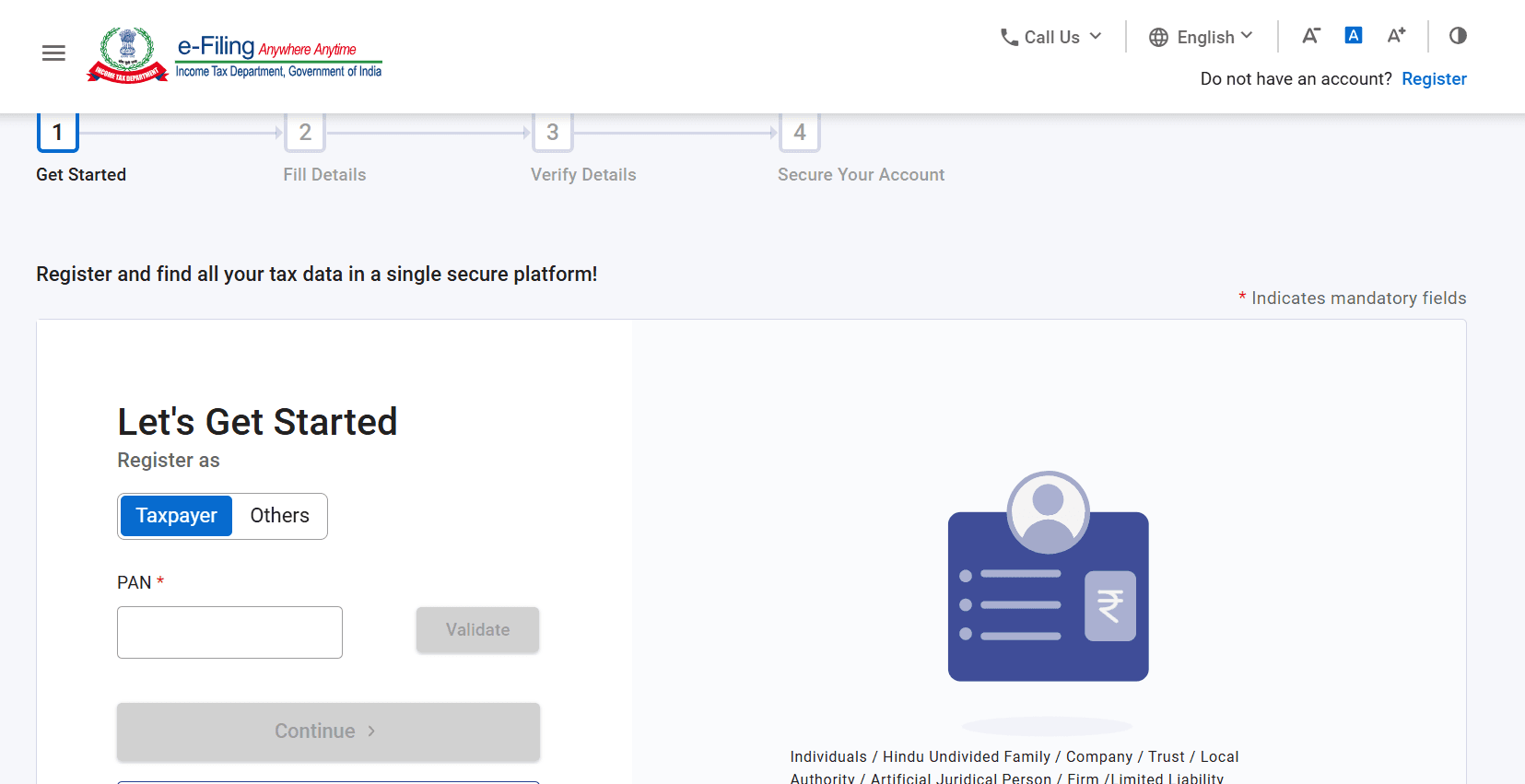
How to Register on Income Tax e-Filing Portal
- Step 1: Visit incometax.gov.in and click “Register”.
- Step 2: Select “Taxpayer” and enter your PAN number. Your PAN will act as your user ID.
- Step 3: Enter basic details such as name, date of birth, mobile number, and email ID.
- Step 4: Verify your mobile and email using OTP.
- Step 5: Set a password and complete registration.
Registration is required only once. After that, you can log in every year using PAN and password.
03. Online Filing Process
Portal Access
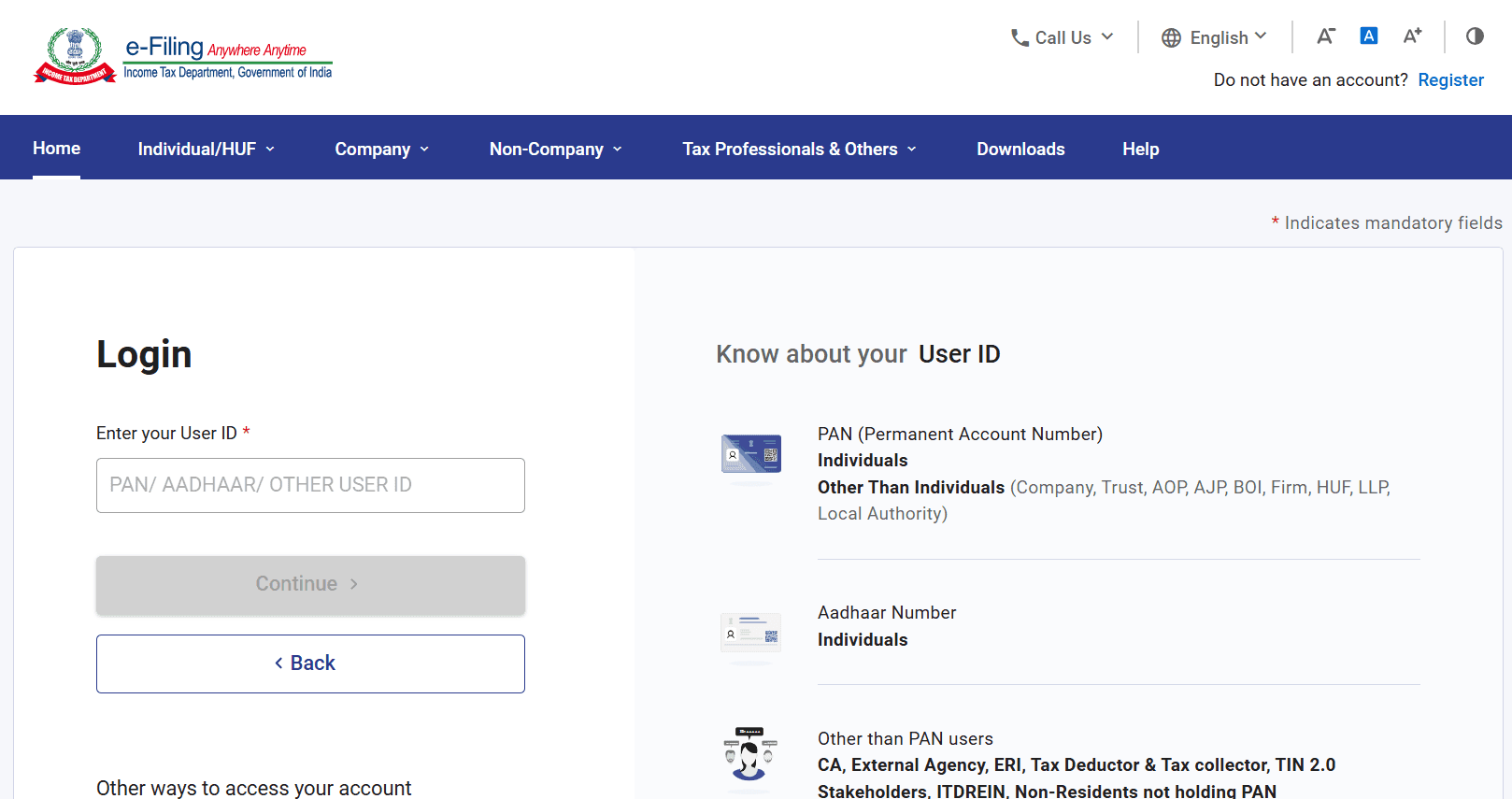
Open the income tax e-filing website and log in using your PAN number PAN is your permanent tax identity and works as your username for life Make sure your mobile number linked with Aadhaar is active to receive OTP.
Form Selection
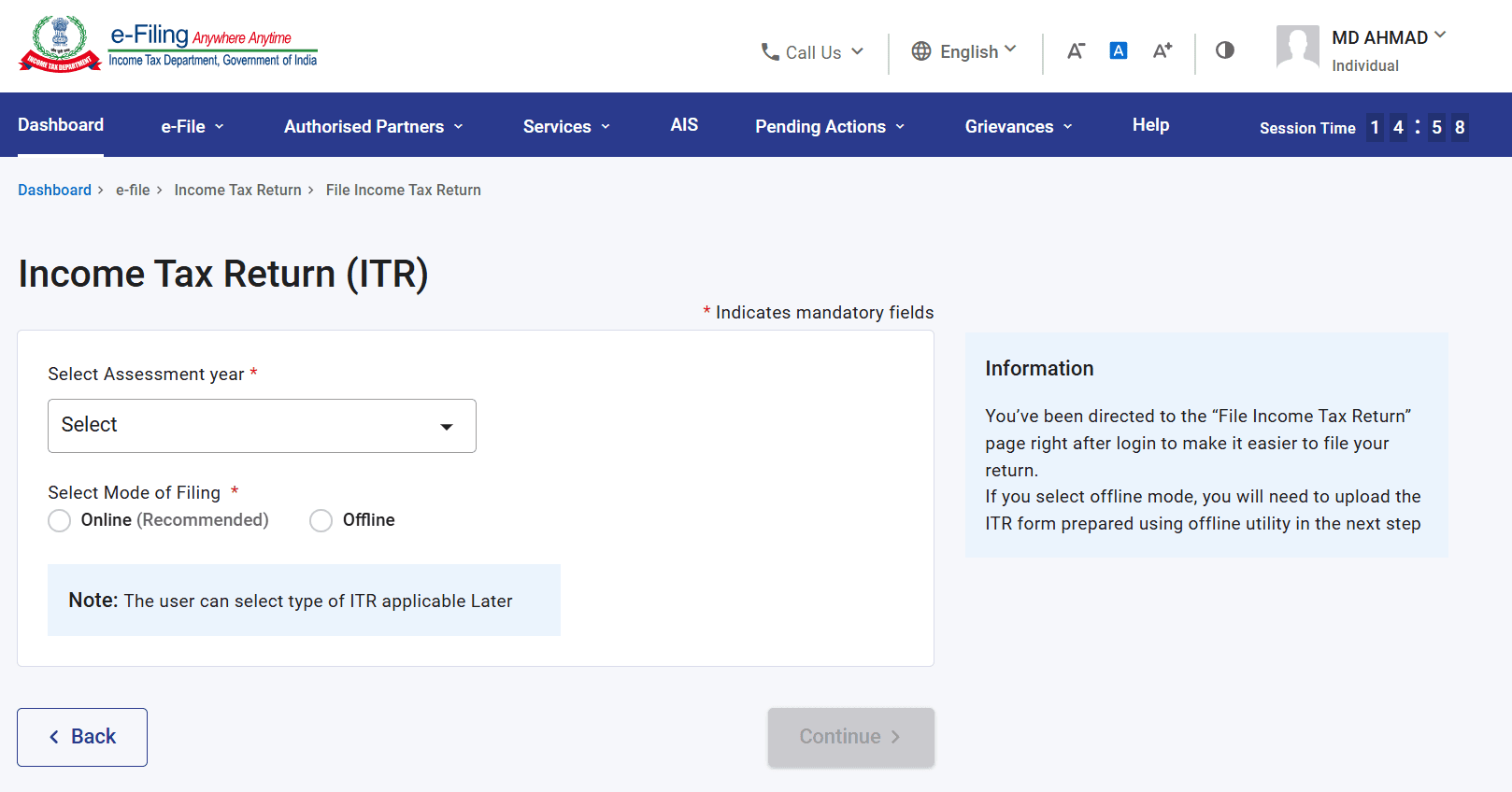
Choose ITR-1 (Sahaj) for salary, or ITR-3/4 for business and professional income.
Data Validation
Pre-fill data from AIS/TIS. Verify that TDS matches your Form 26AS.
Review Deductions
Claim exemptions under the New or Old tax regime based on your 2026 preference.
E-Verification
The most vital step. Verify within 30 days via Aadhaar OTP to avoid your ITR being marked 'Invalid'.
04. Key Terms Explained
- Assessment Year (AY)
- The year in which the income of the previous Financial Year (FY) is evaluated. For FY 2025-26, the AY is 2026-27.
- E-Verification
- Digital confirmation that the return was filed by you. Without this, the ITR is not legally considered 'filed'.
05. Which ITR Form Should You Select
ITR-1 (Sahaj): Salaried individuals with income up to ₹50 lakh.
ITR-2: Income from capital gains, multiple house properties.
ITR-3: Business owners and professionals.
ITR-4: Freelancers under presumptive taxation.
Selecting the wrong ITR form can lead to rejection or defective return notice.
⚠ Important:
After submission, the portal may show “Return submitted but not verified”. This means your ITR is NOT complete. You must e-verify within 30 days, otherwise the return is treated as invalid.
Do You Need a CA to File ITR?
No. Most salaried employees, students, and individuals with simple income can file ITR themselves using the government portal for free.
You may need a CA only if you have complex business income, audits, or international assets.
Common Mistakes to Avoid
- × Incorrect Bank Account (Fails Refund)
- × Not disclosing Interest from Savings/FD
- × Selecting the wrong ITR Form
- × Missing the 30-day verification window